
Examples
AWT image manager

Cat photo in the screenshot: IOP Publishing source image.
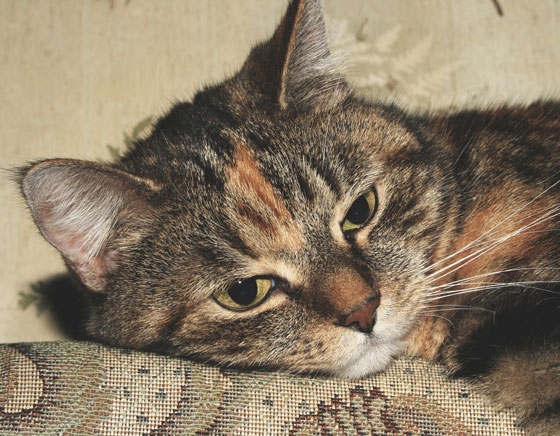
Run from the ObjectStore repository root with JDK 21 or newer:
bash client/examples/awt-images/run.sh
The example uses only the Java client and the JDK. Enter an S3-compatible endpoint, region, existing bucket, and access keys. Use Connect to verify listing access. Drag PNG, JPEG, GIF, or BMP files onto the window, or use Add images. Select an object to preview it; use Download or Delete to manage it. Objects go under the specified key prefix with a short random ID, so uploading the same filename does not silently replace an earlier image. The list loads 100 objects at a time.
The example does not create a bucket. When launched directly, it keeps credentials in memory and requires explicit opt-in for plain HTTP. Use HTTP only with a trusted test service. Uploads are limited to 64 MiB per file, and previews to 12 MiB. This is a small interoperability test app, not a production asset manager.
Local Docker test
Prerequisites: JDK 21 or newer, Bash, Python 3, curl, and a graphical desktop session. Docker must be running and accessible to your user, and 127.0.0.1:9002 must be free for the test container.
To try the app with a separate ObjectStore service, run:
bash client/examples/awt-images/run-test.sh
The launcher builds its local image if needed, starts a test container on 127.0.0.1:9002, and opens the app connected to a photos bucket. Set OBJECTSTORE_TEST_IMAGE to use a different image. Closing the app leaves the container and its dedicated data volume running; run the launcher again to reconnect. Its generated test credentials are stored in the container's Docker configuration.
When finished, remove only this example's container and volume:
docker stop objectstore-image-example
docker rm objectstore-image-example
docker volume rm objectstore-image-example-data